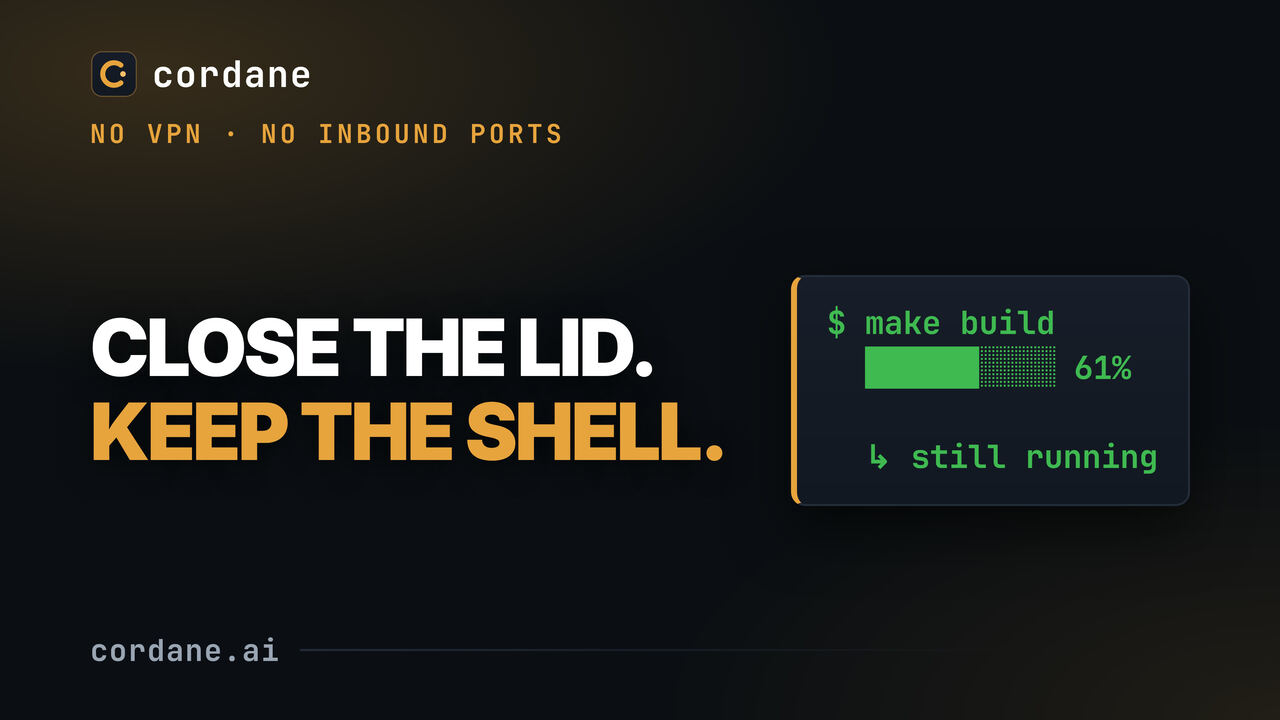
Watch · 1:26
Close your laptop, keep your shell — persistent terminals
A real process on a machine I own, still running after I leave the space and come back — no gap in the output.
Open on YouTubeOne to three minutes each, narrated, filmed against the real product on a real machine — nothing staged, and the honest limit of each feature said out loud. Grouped the way you'd learn them.
Posters load from this site; nothing from YouTube loads until you press play. Each video also has a 9:16 cut on the channel's Shorts tab.
A real process on a machine I own, still running after I leave the space and come back — no gap in the output.
Open on YouTube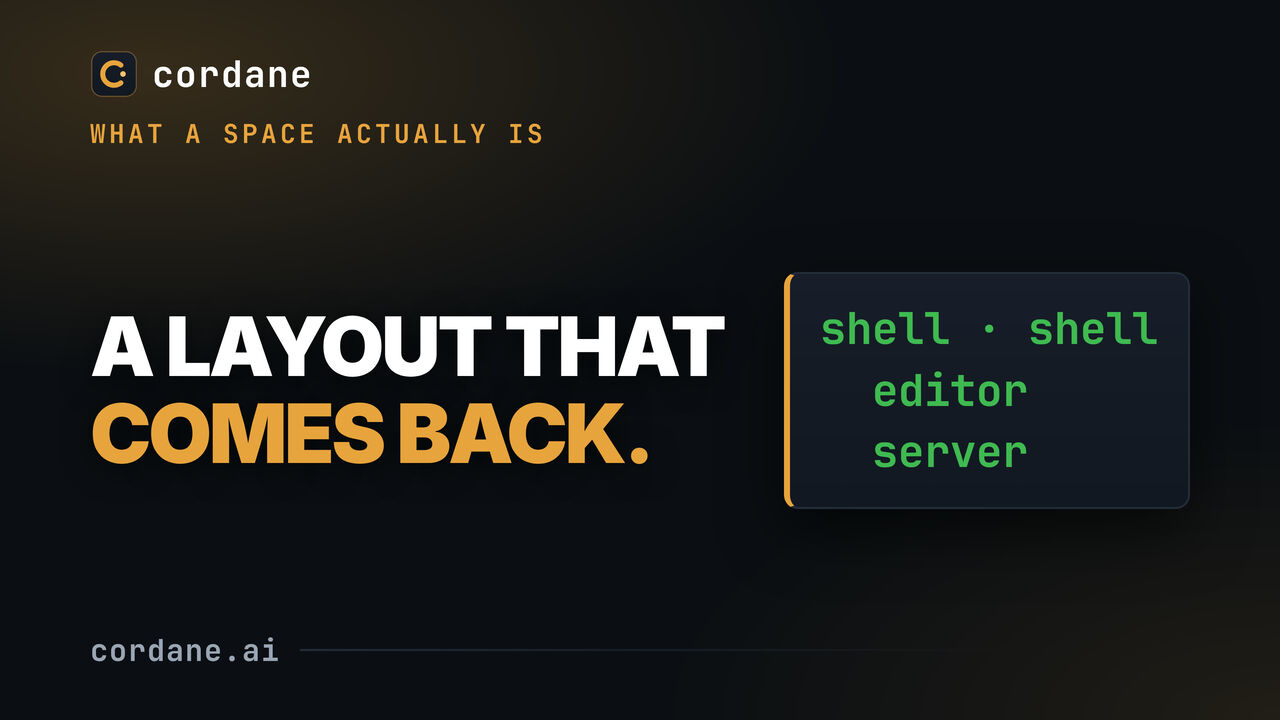
What a space is, how panes and working directories are defined, and what comes back when you reopen one.
Open on YouTube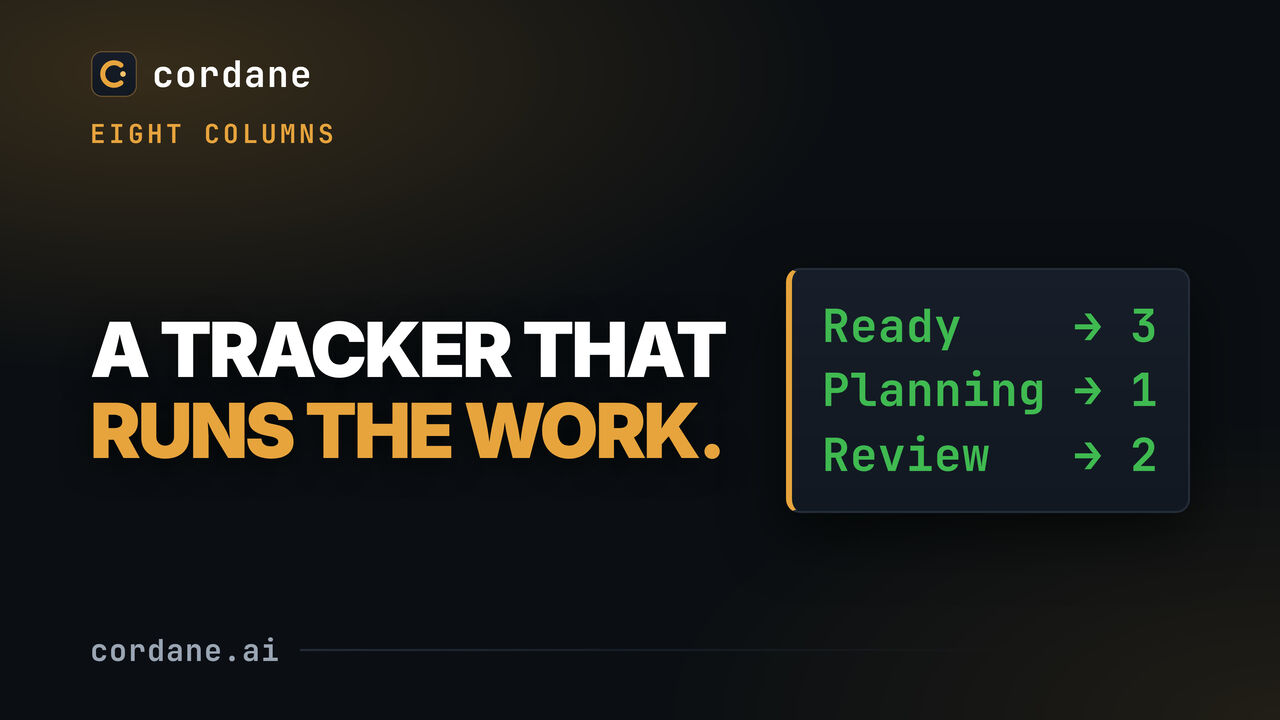
Eight columns and a ticket's life through them. Keep your existing tracker — this is where the agent work happens, not a replacement for Jira or Linear.
Open on YouTube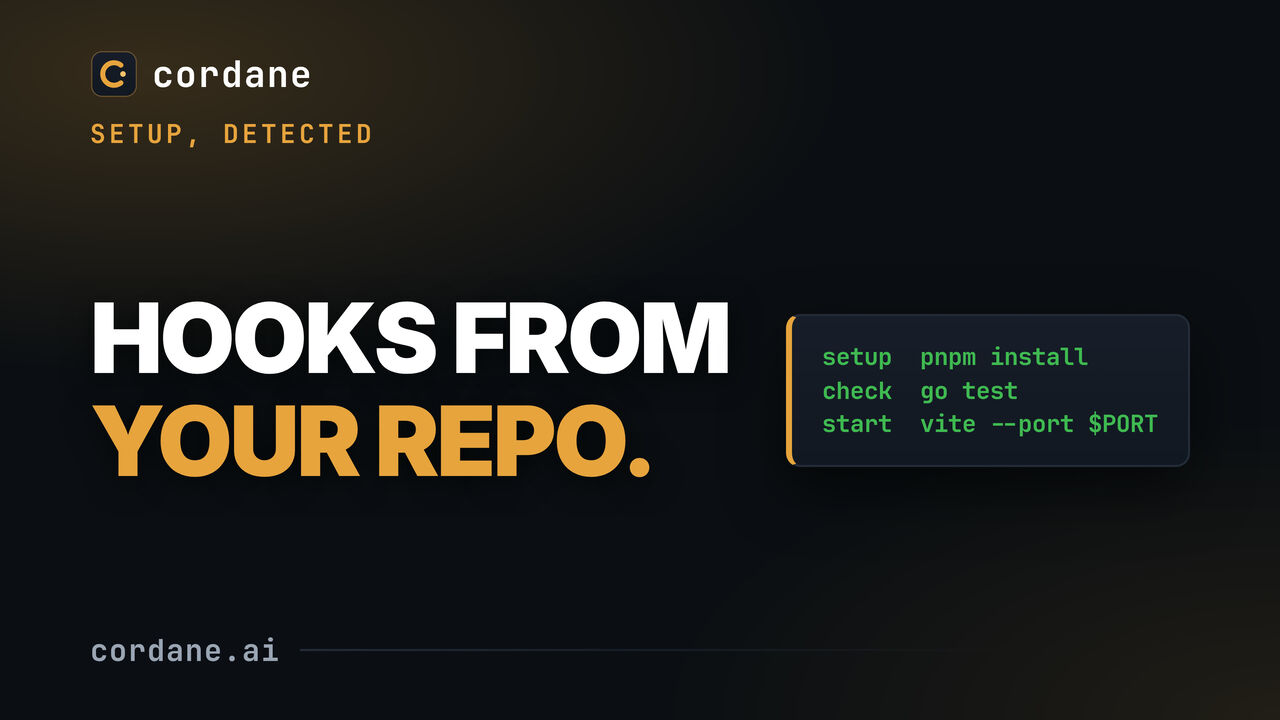
Writing lifecycle hooks is where setting up a project stalls. Detect from repo reads the manifests committed to git, on your own worker, and proposes setup, start and check hooks, each with the file it came from and how sure it is.
Open on YouTube
Installing a worker on a machine behind NAT: one binary, one token, one process. No root, no daemon to configure, no reverse proxy, no certificate.
Open on YouTube
A real process on a machine I own, still running after I leave the space and come back — no gap in the output.
Open on YouTube
What a space is, how panes and working directories are defined, and what comes back when you reopen one.
Open on YouTube
Save a layout once and start it the same way every time — panes, directories and commands.
Open on YouTube
Invite a named teammate into one space and you are both in the same shell — typing in it, at the same time.
Open on YouTube
Drawer navigation, touch kanban, and a real terminal with a key bar — the same hub, laid out for a phone.
Open on YouTube
A REAL agent run, not a staged one — the output in this video is whatever the model actually produced on the day it was filmed.
Open on YouTube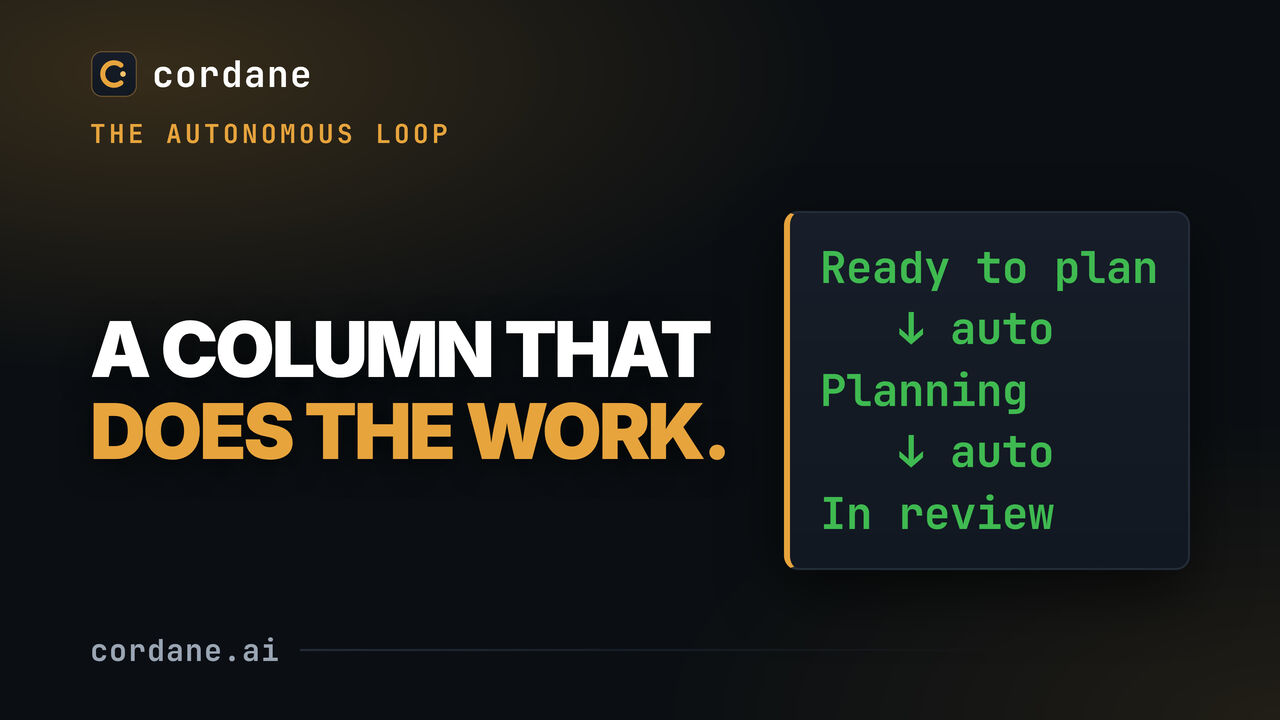
A REAL headless agent run. After the drag, nothing in this video is a click of mine.
Open on YouTube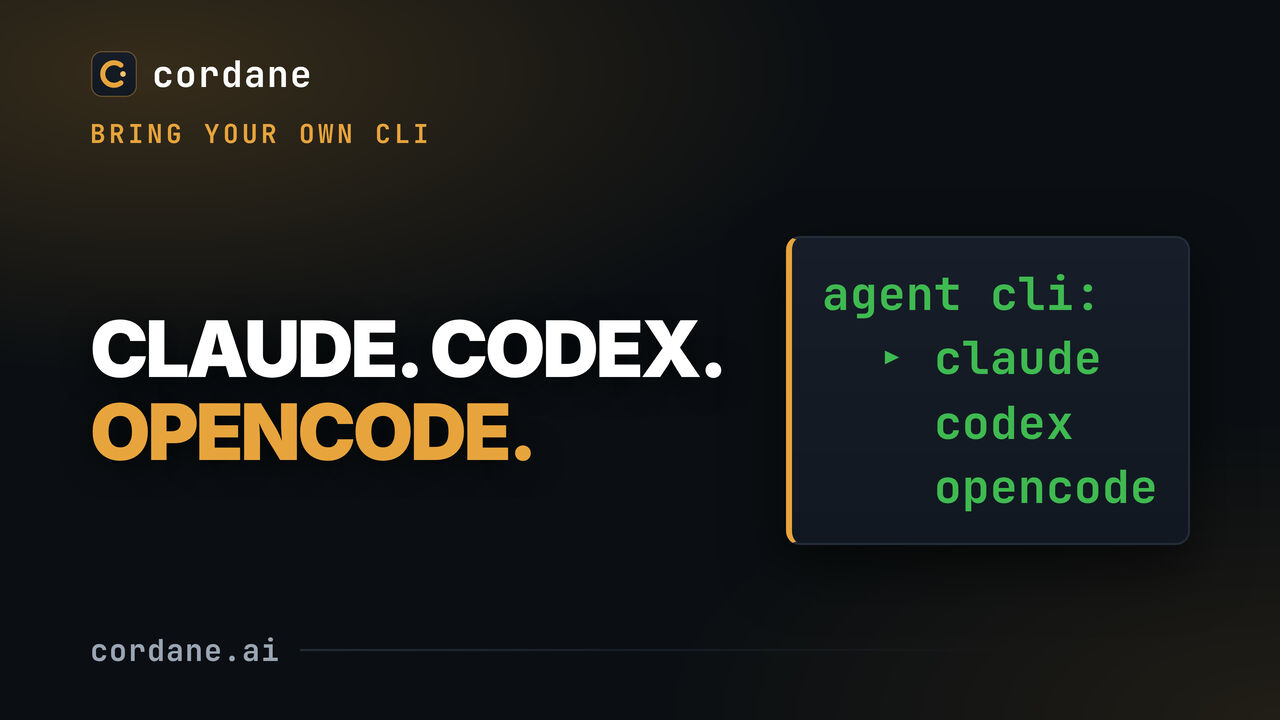
Cordane does not ship an agent — it drives one you already have, and the command can be the real binary, a wrapper script, or an alias with your own flags baked in.
Open on YouTube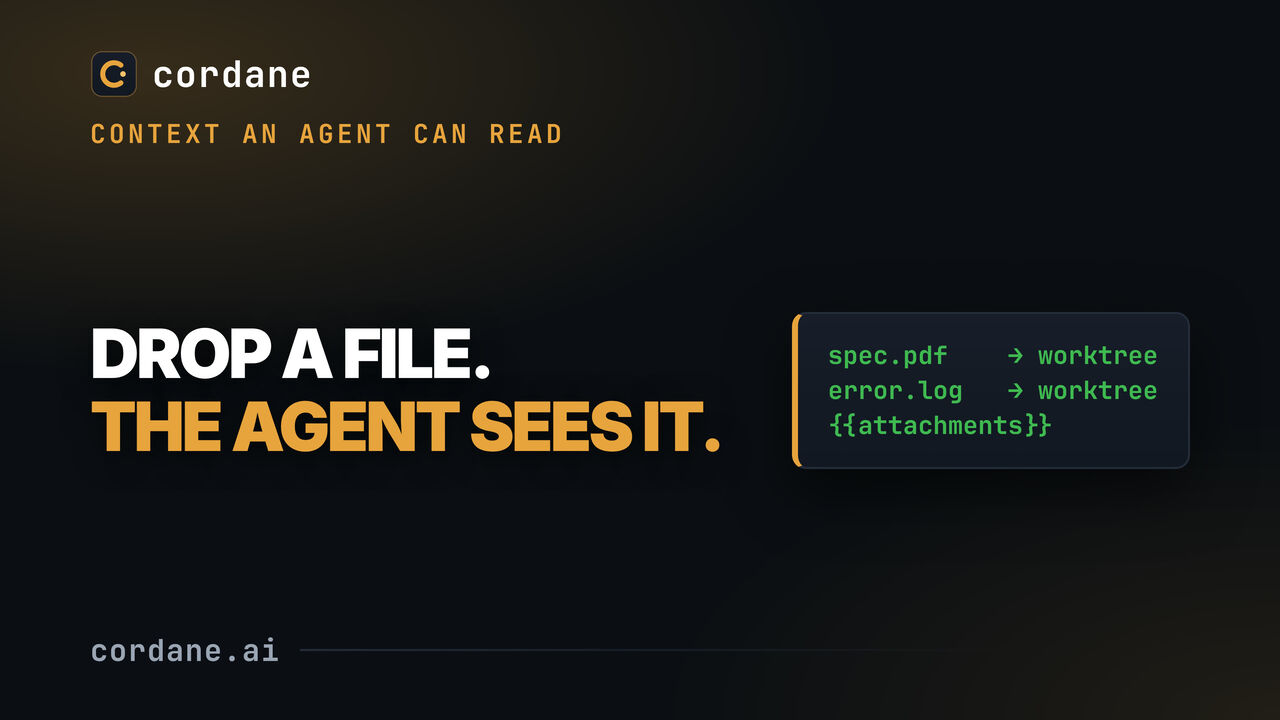
Files attached to a ticket sync into the agent's worktree as real files, and the prompt gets their paths — no copy-pasting a stack trace and hoping it survived the trip.
Open on YouTube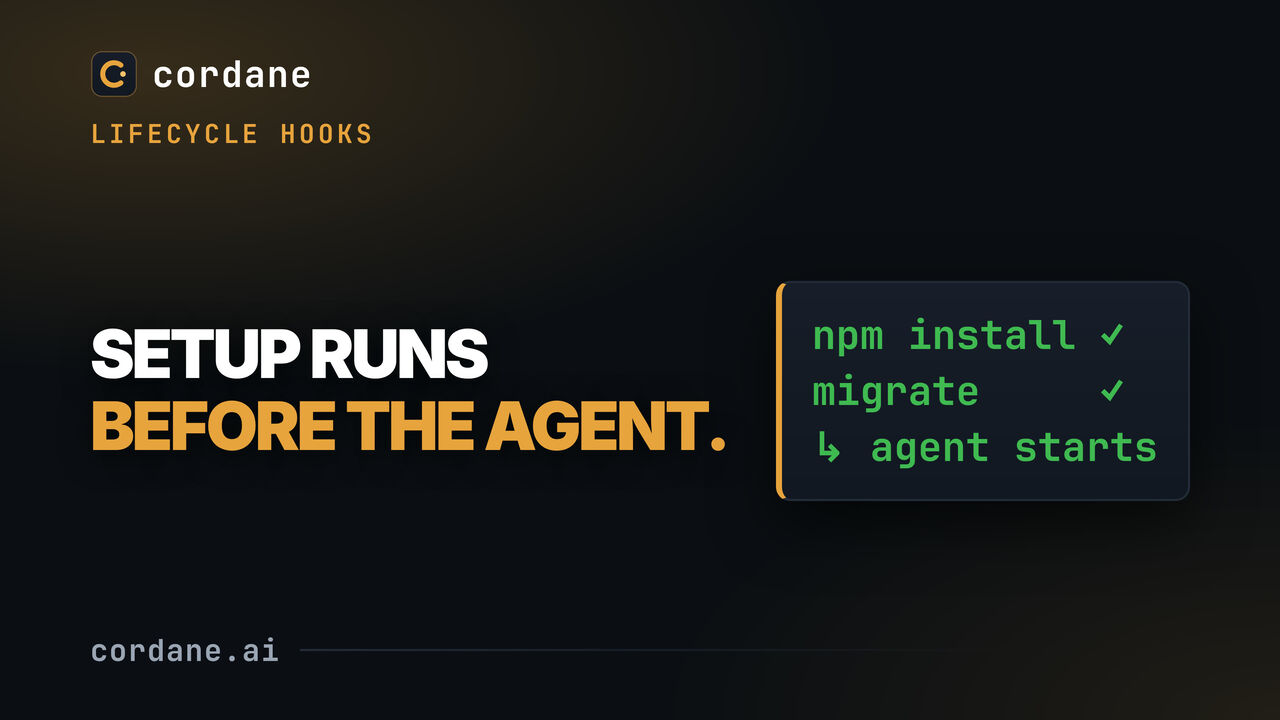
Run setup commands when a workspace is created, and decide whether the agent waits for them. Planning does not wait by default; implementing can.
Open on YouTube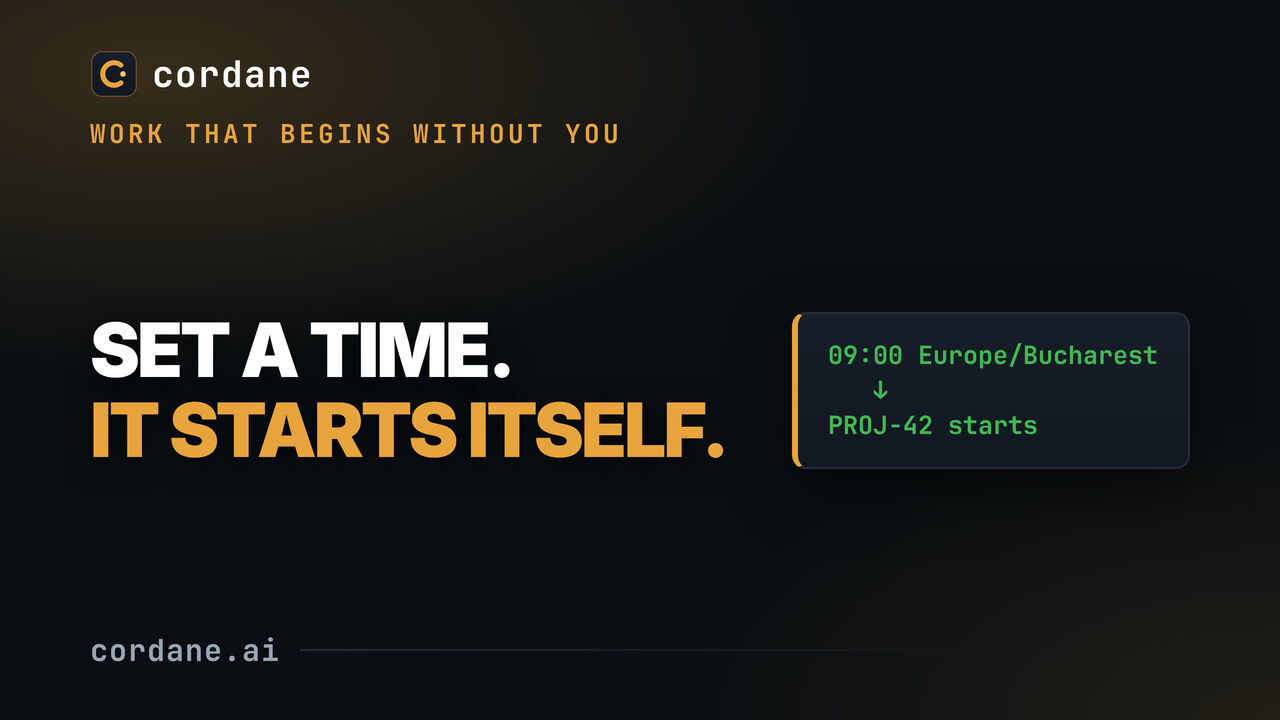
Give a ticket a time and a timezone and the hub starts it then — the ticket enters the same flow it would if you had clicked Start.
Open on YouTube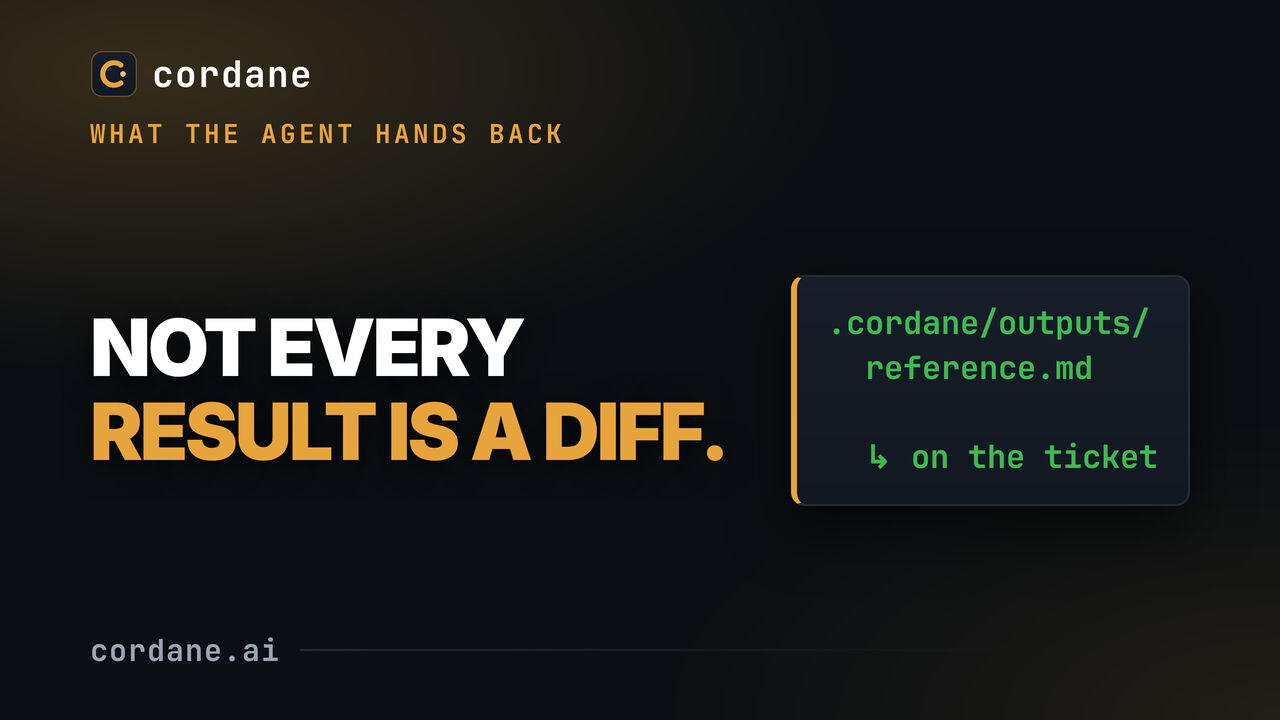
A REAL agent run — the document in this video is whatever the model actually produced on the day it was filmed.
Open on YouTube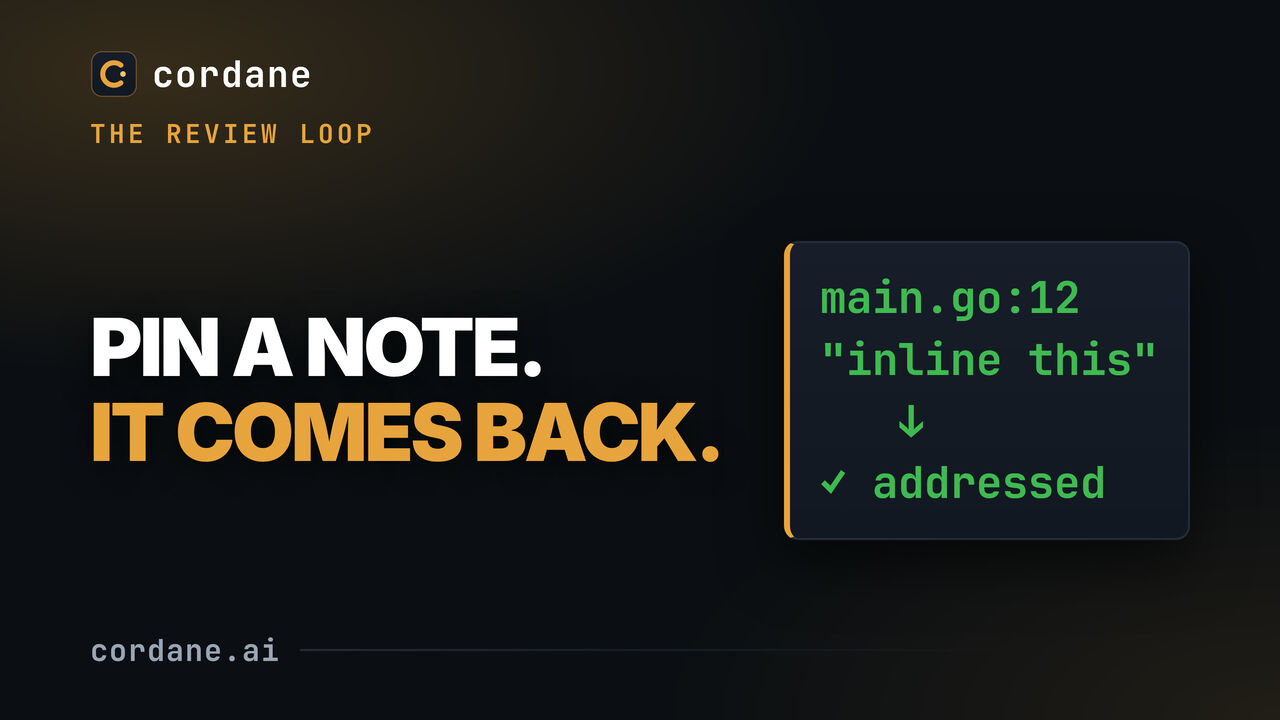
"The agent opened a PR" isn't done. This is the loop after it.
Open on YouTube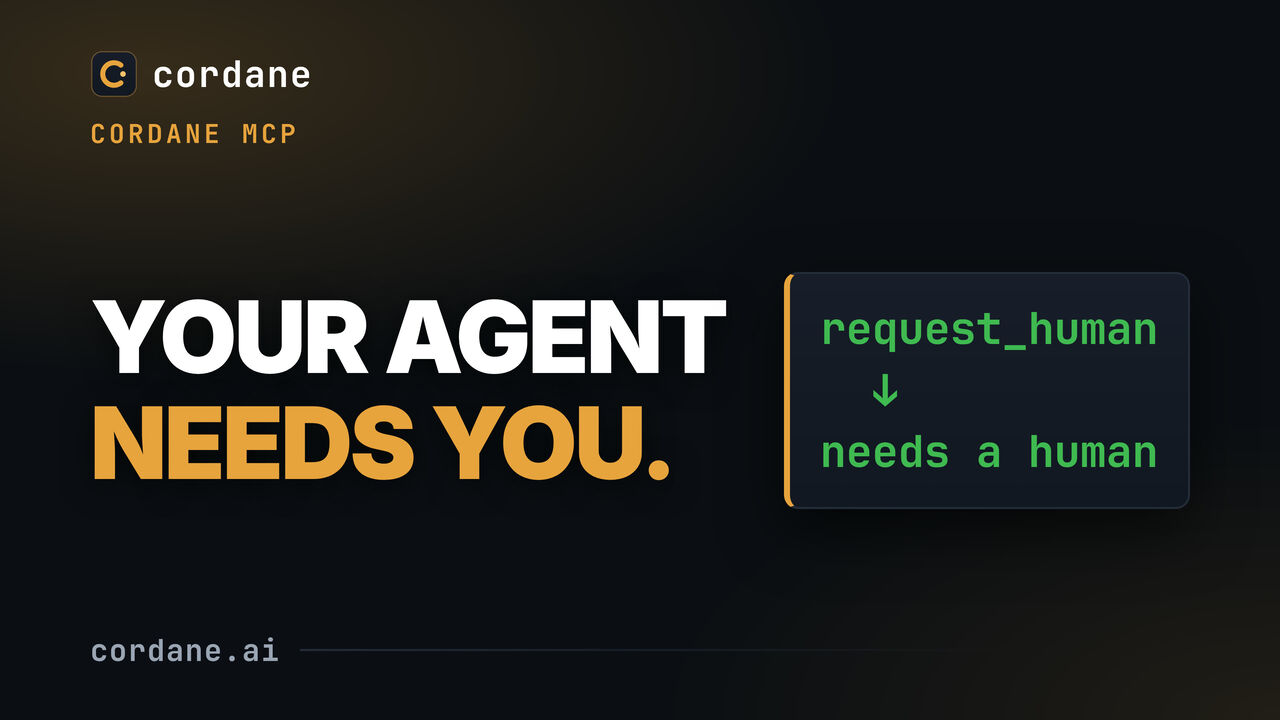
Cordane ships an MCP server, cordane mcp, that gives the agent working a ticket tools for that ticket. Here the agent keeps a progress note on its card, files a follow-up it found along the way, and flags the ticket when it needs a human decision. You answer in a comment, it reads the reply, and you resolve the flag.
Open on YouTube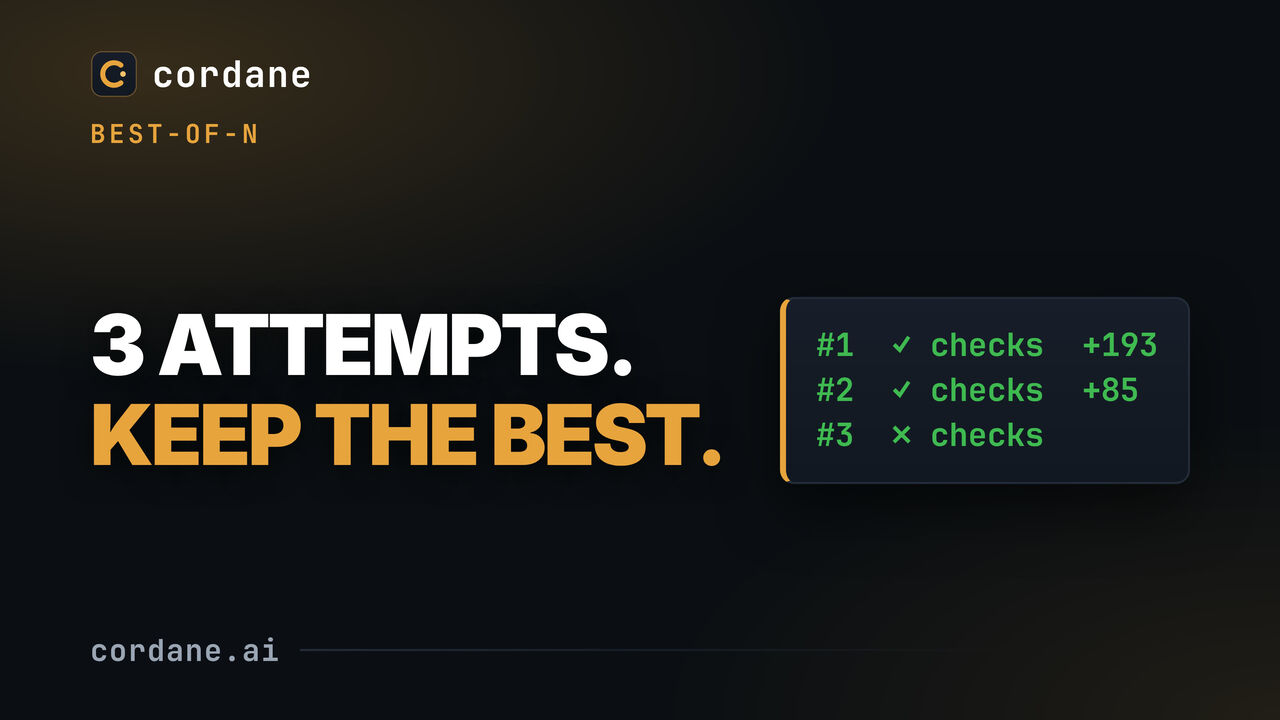
Best-of-N in Cordane: race two or three agents on the same ticket, each headless in its own worktree and branch cut from one commit — the same agent several times, or any mix of CLIs.
Open on YouTube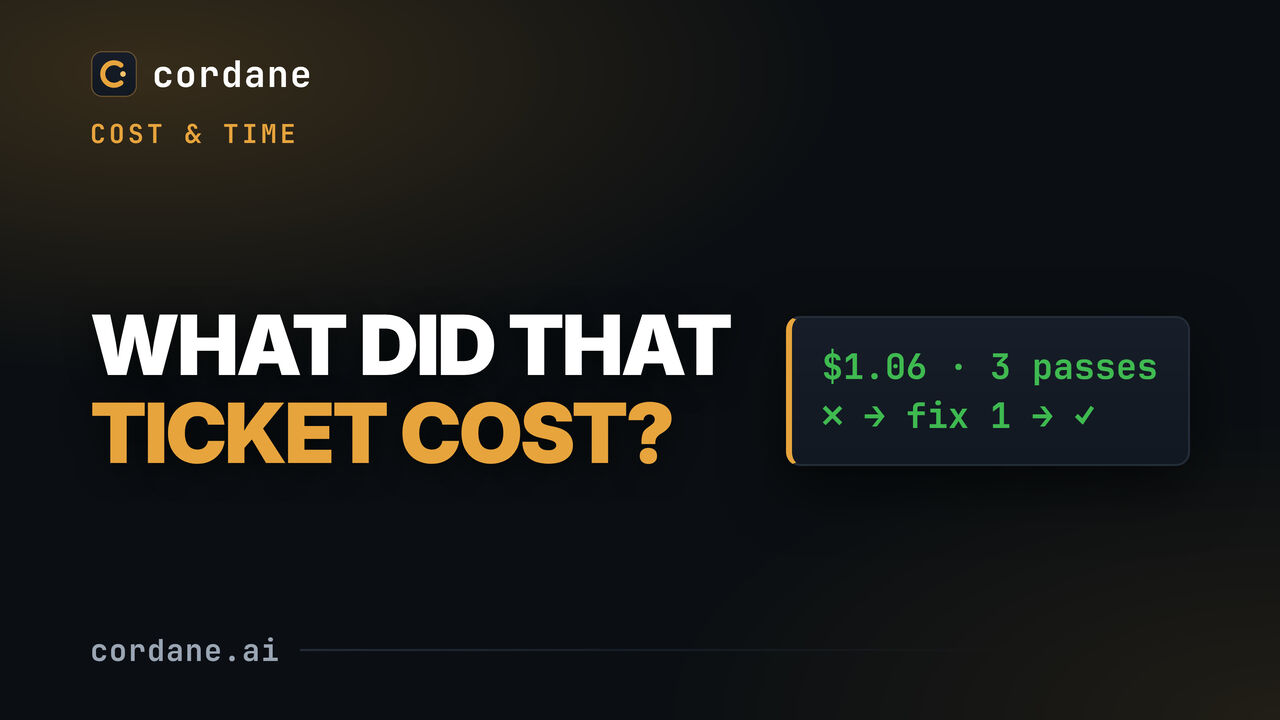
Every ticket adds up what its agent runs cost: wall time and agent time, spend and tokens, how many passes it took and how its checks went, pass by pass. The project Insights page rolls it up per agent and mode, with success rate, median and p90 run time, spend, auto-fix chains and tickets reaching review each week.
Open on YouTube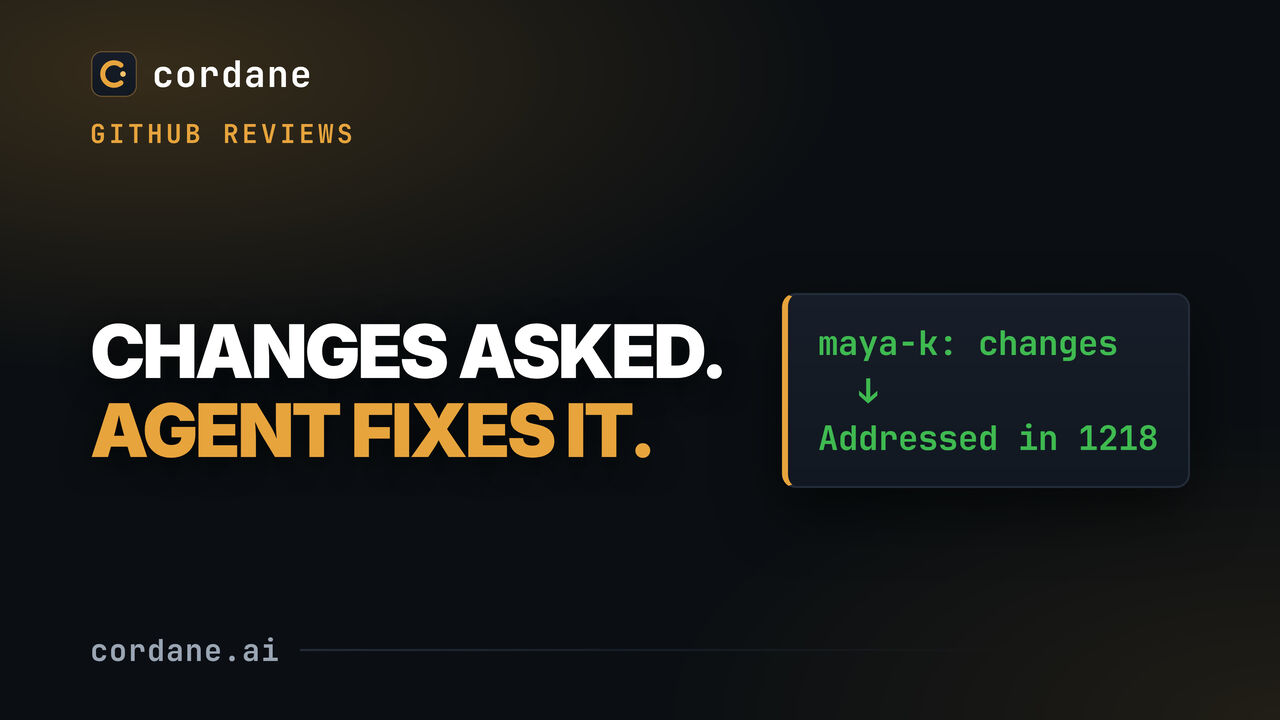
A teammate requests changes on the agent's pull request on GitHub. Cordane reads the review through your worker's own gh and turns it into a review round, with file, line and a link per comment. With follow-up on, the agent applies it on the same branch and replies "Addressed in" the commit on each thread.
Open on YouTube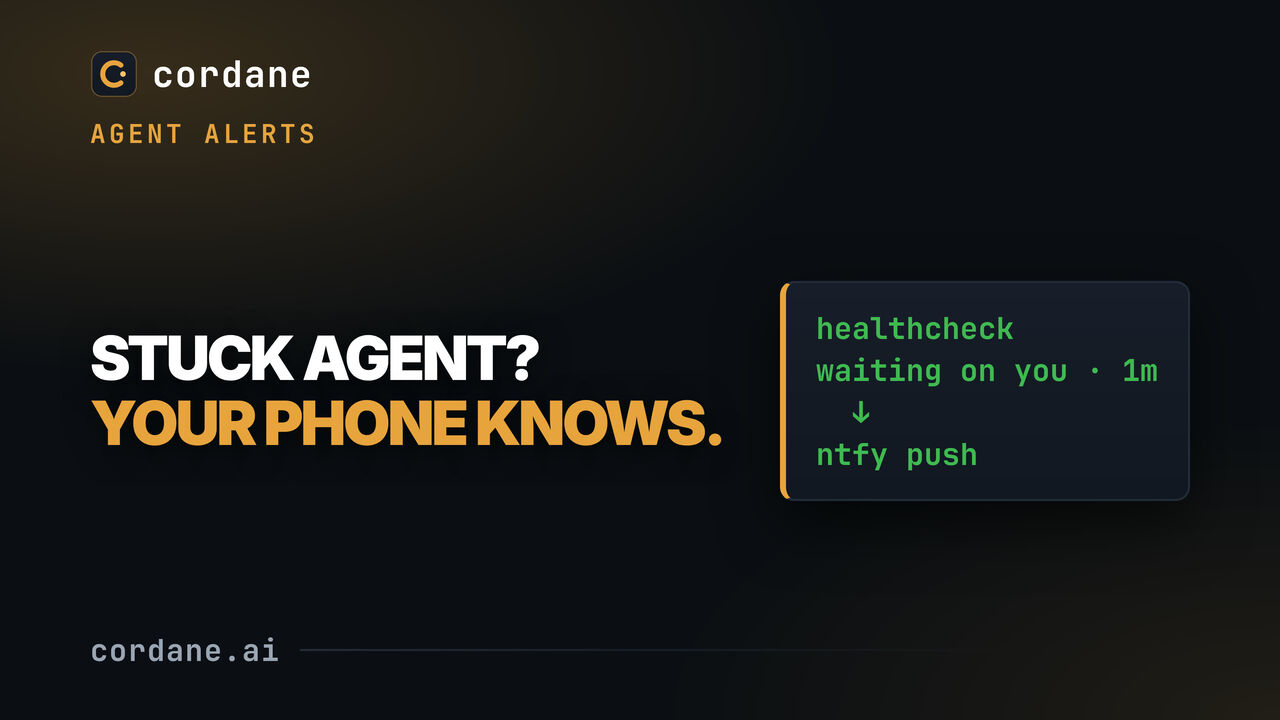
An agent that stops on a permission prompt just waits, all night if nobody notices. Settings → Alerts tells you instead: browser notifications plus a webhook, with presets for ntfy, Slack and Discord. "Waiting on you" fires only once the agent has waited as long as you chose, and the alert links to the exact pane that is asking.
Open on YouTube
Eight columns and a ticket's life through them. Keep your existing tracker — this is where the agent work happens, not a replacement for Jira or Linear.
Open on YouTube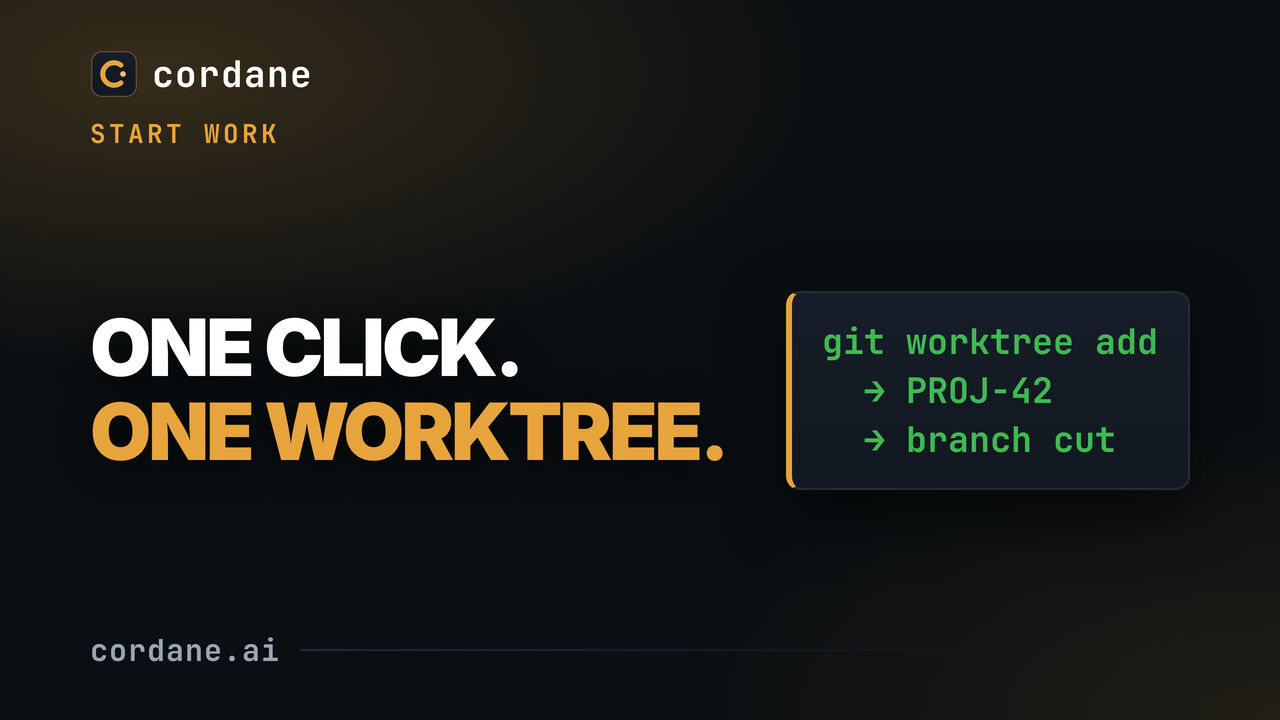
Starting a ticket cuts a git worktree and a branch, and opens a space pointed at it. Nothing to name, nothing to remember to clean up.
Open on YouTube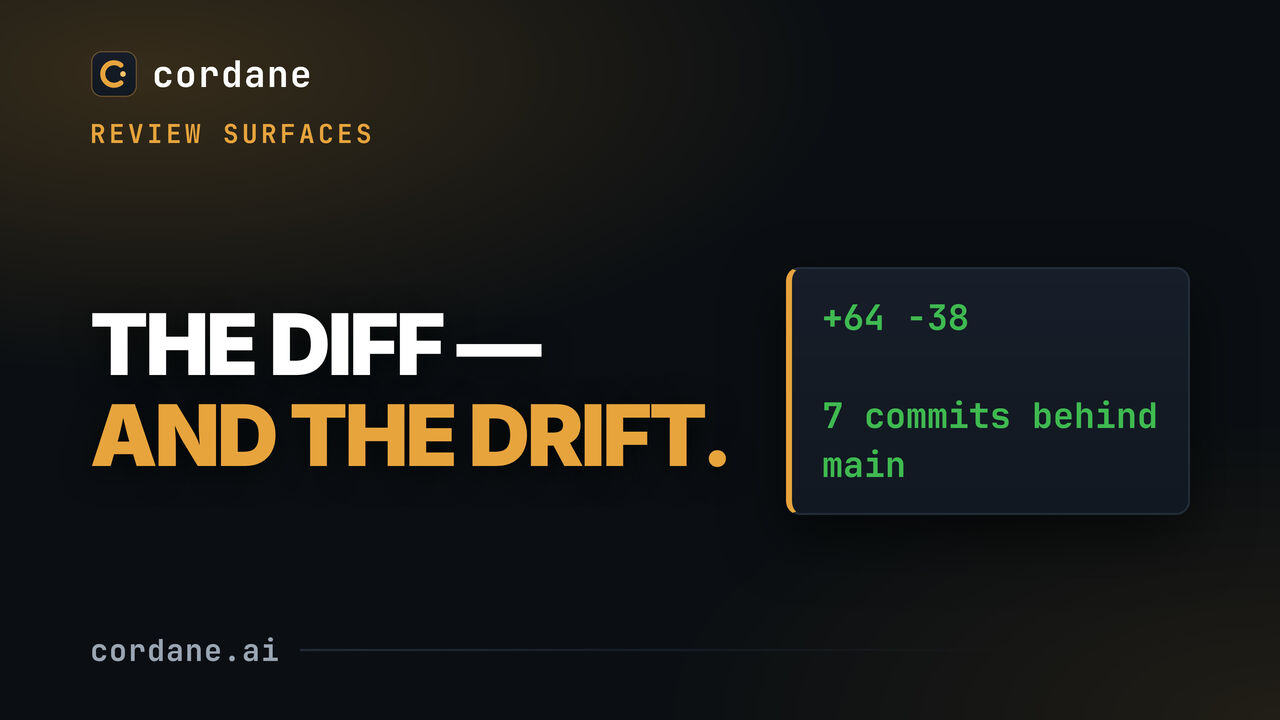
The diff a ticket produced, and an honest count of how far its branch has fallen behind main — earned by moving main for real, not staged.
Open on YouTube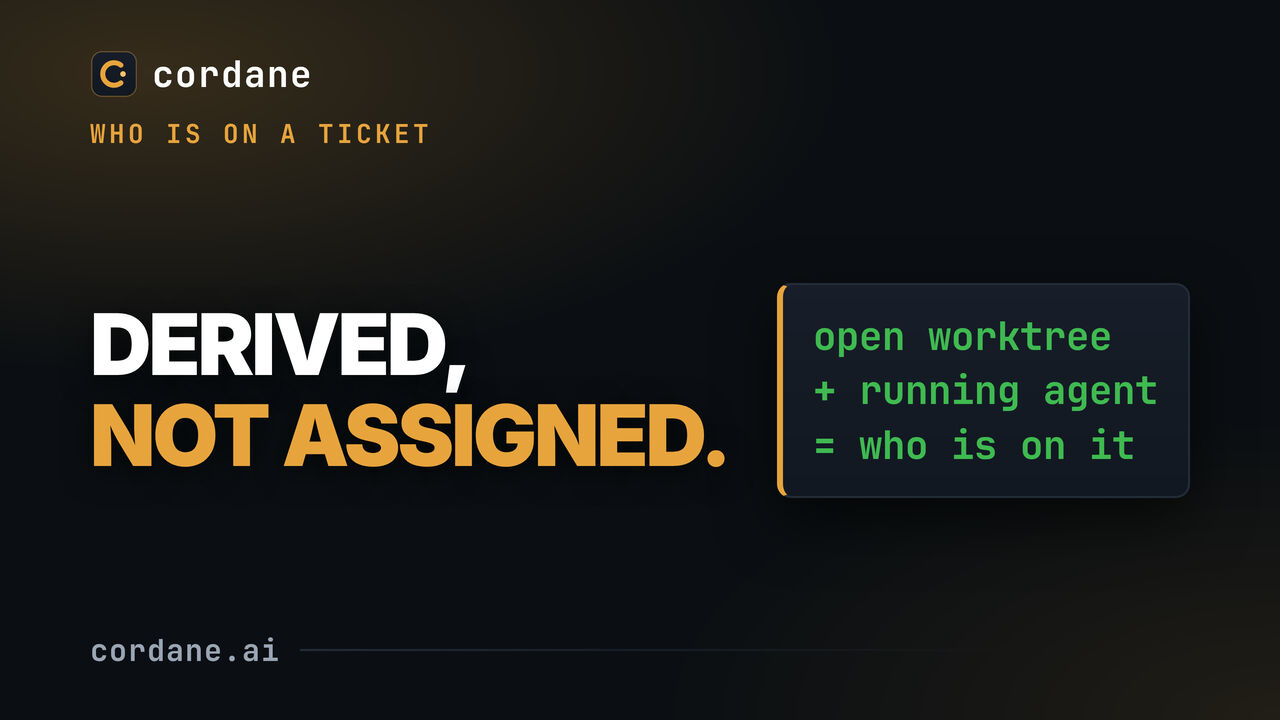
Presence comes from what is actually happening — an open worktree, a running agent — rather than from someone remembering to assign a ticket.
Open on YouTube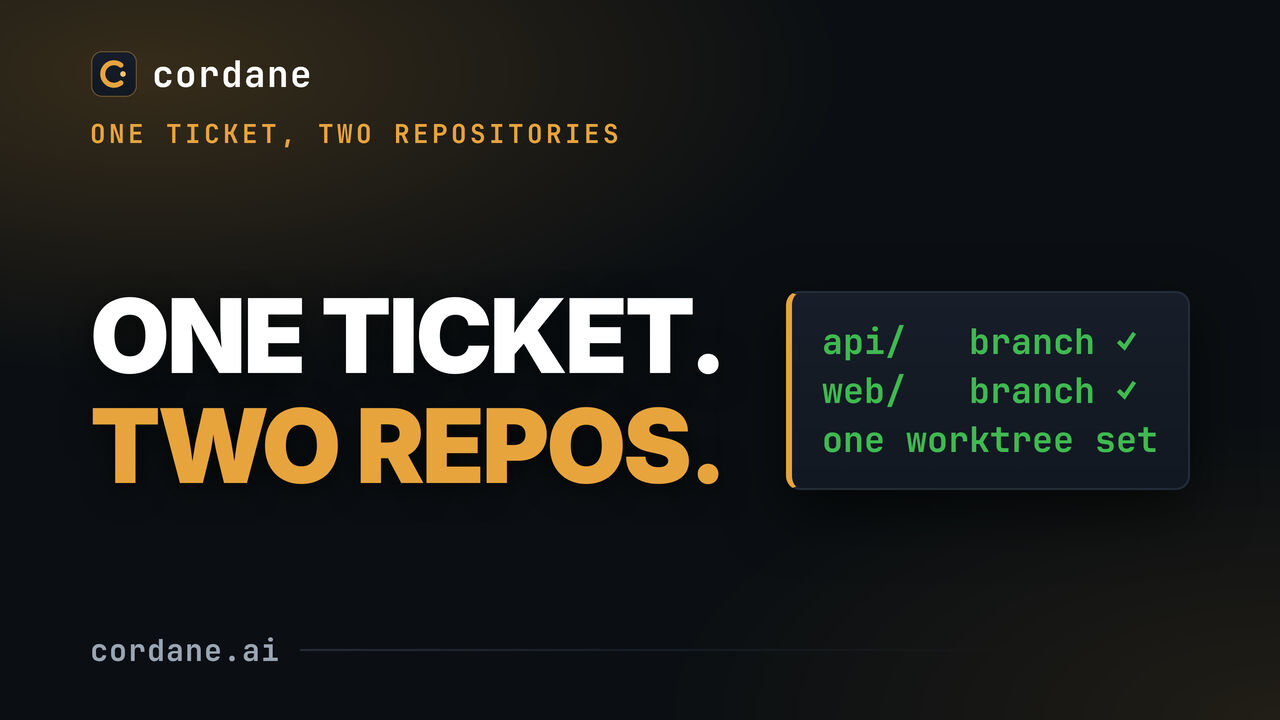
A project can span more than one repository: the same branch in each, and one workspace root holding both worktrees.
Open on YouTube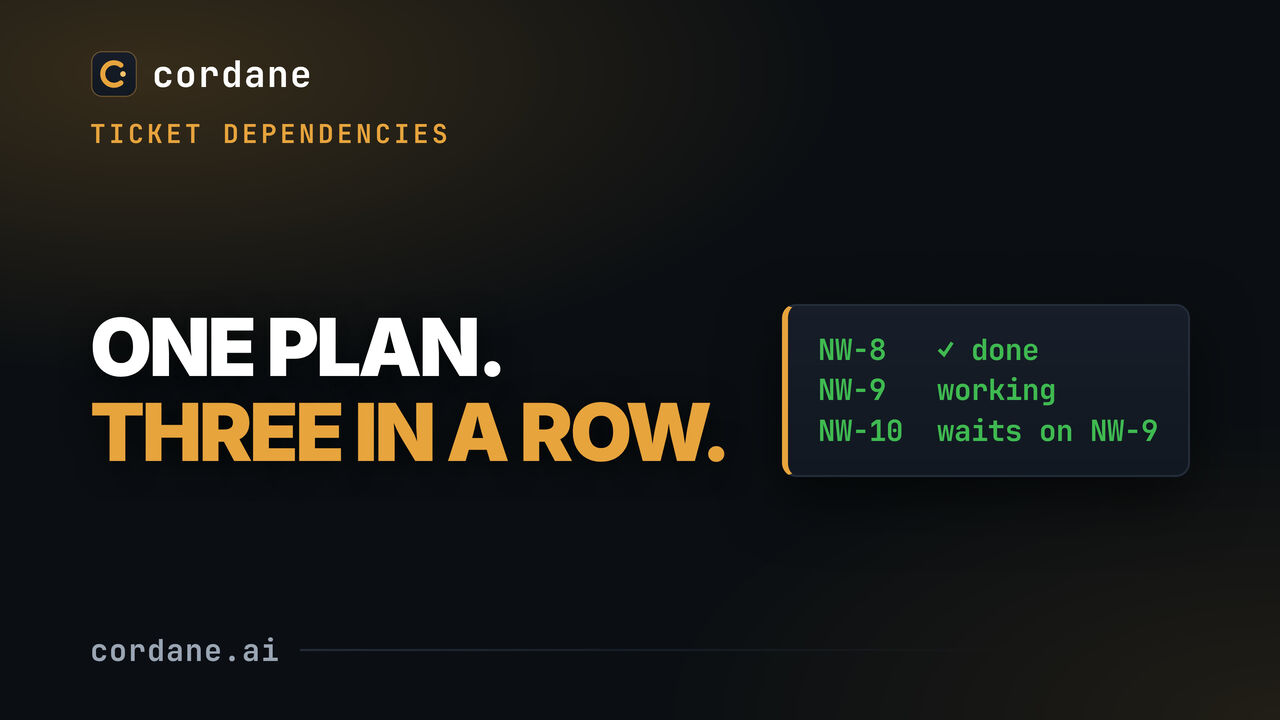
A plan too big for one agent pass becomes sub-tickets, each waiting on the one before it.
Open on YouTube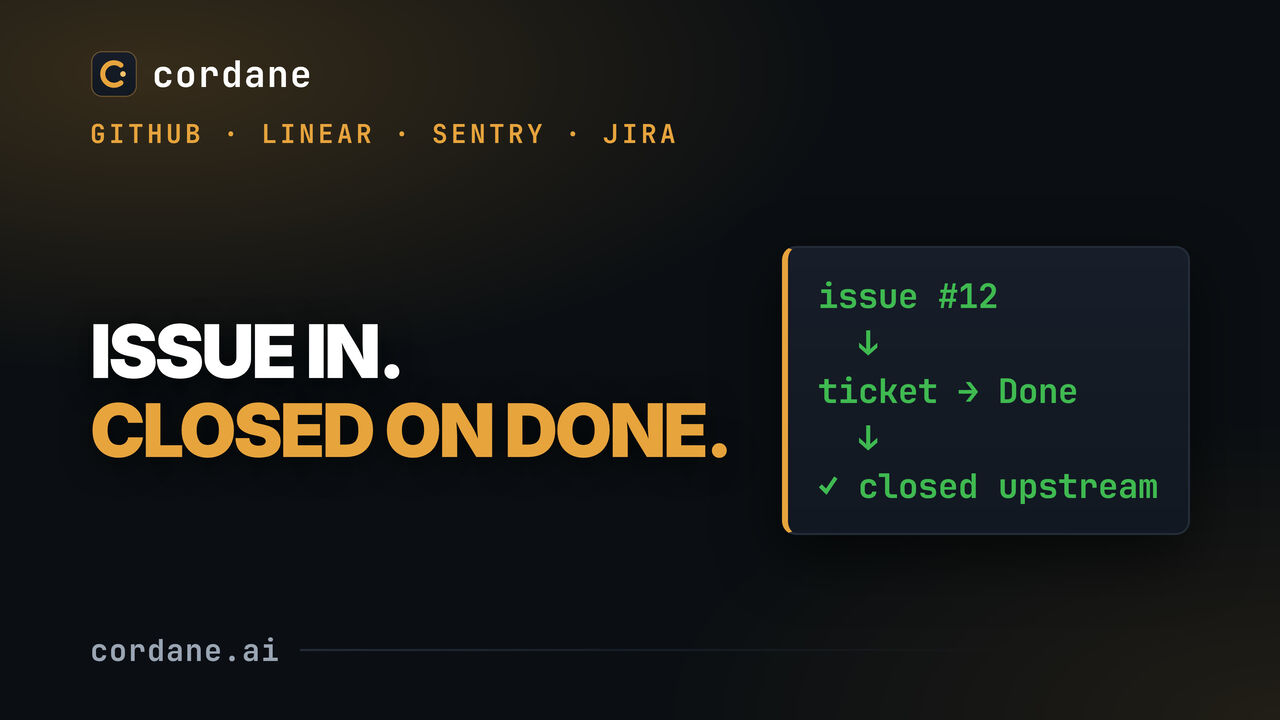
A project connects to the trackers it uses. Paste an issue's URL and it becomes a ticket with its description, labels and pasted screenshots attached. With auto-create on, new issues land on the board on the next poll. Drag a ticket to Done and its issue closes upstream, with a comment naming the ticket and linking its pull request.
Open on YouTube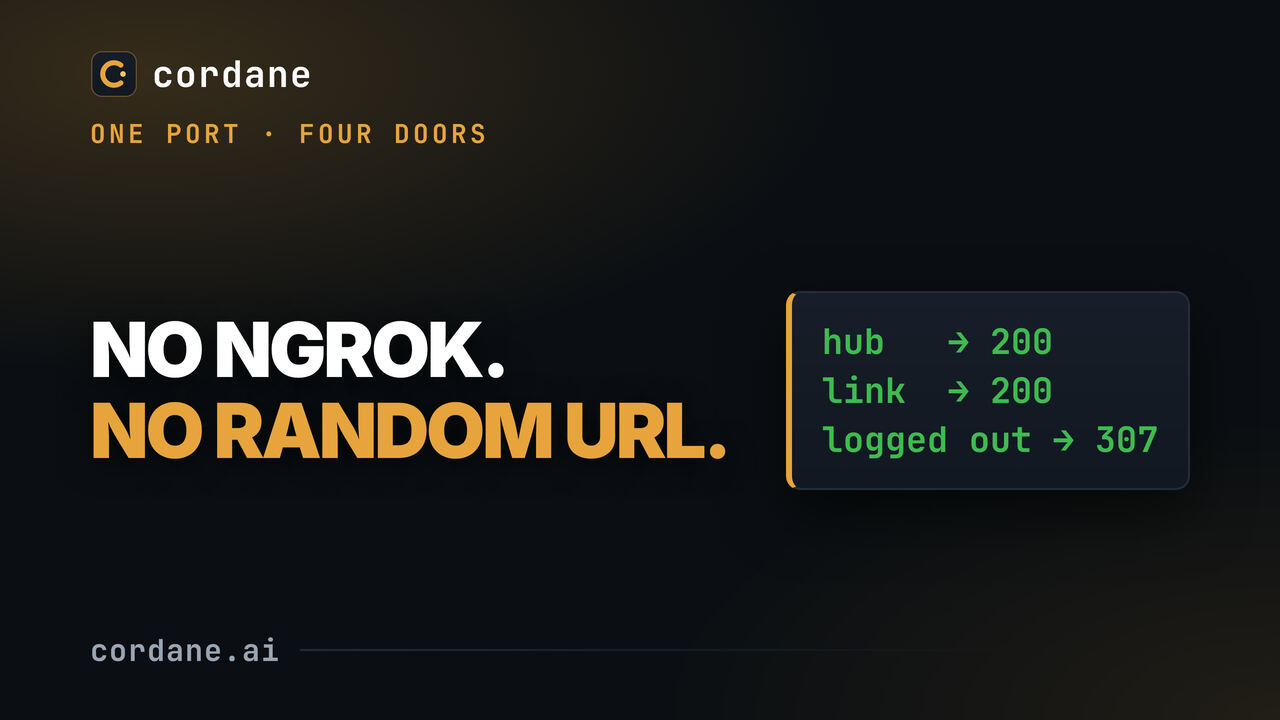
Any port on any space gets a stable hub link, and optionally a share link that needs no account. Nothing is opened on your machine — it all rides the worker's one outbound connection.
Open on YouTube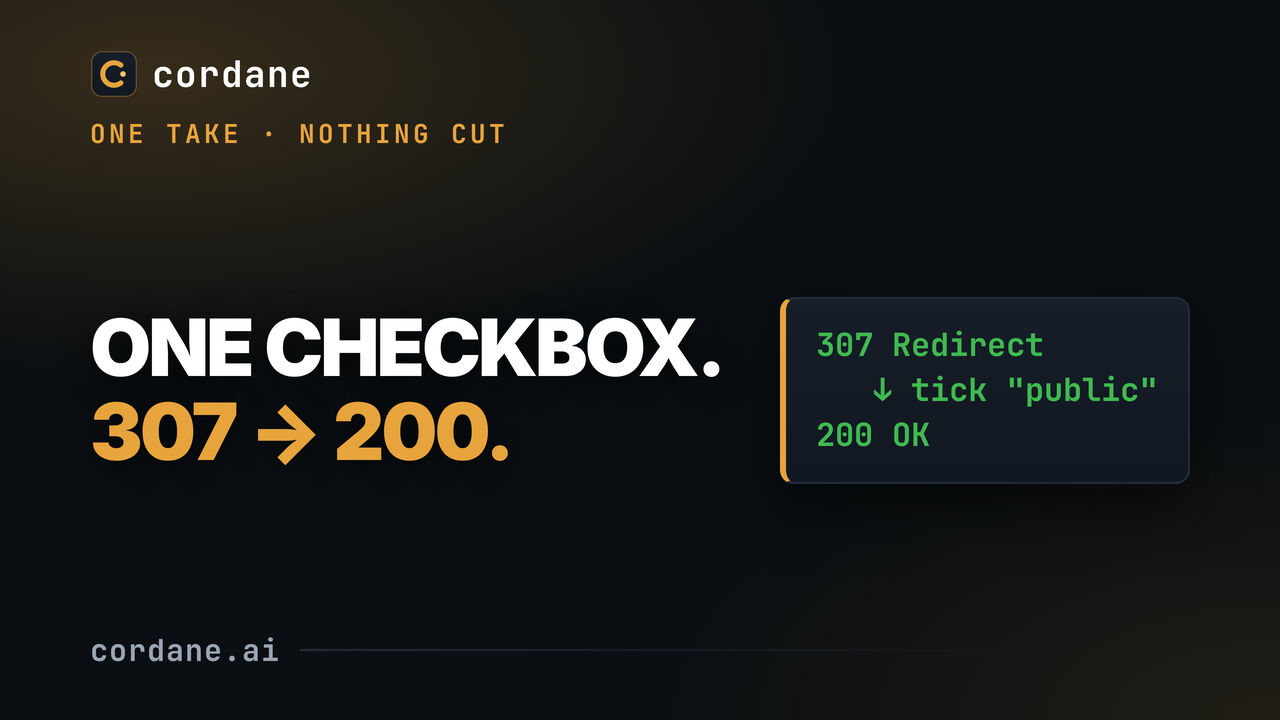
ONE TAKE, NO CUTS. The same URL answering 307, then 200 the moment "Public" is ticked, then 307 again when it is unticked — three real curls, and the seconds between them are the evidence, so none were edited out.
Open on YouTube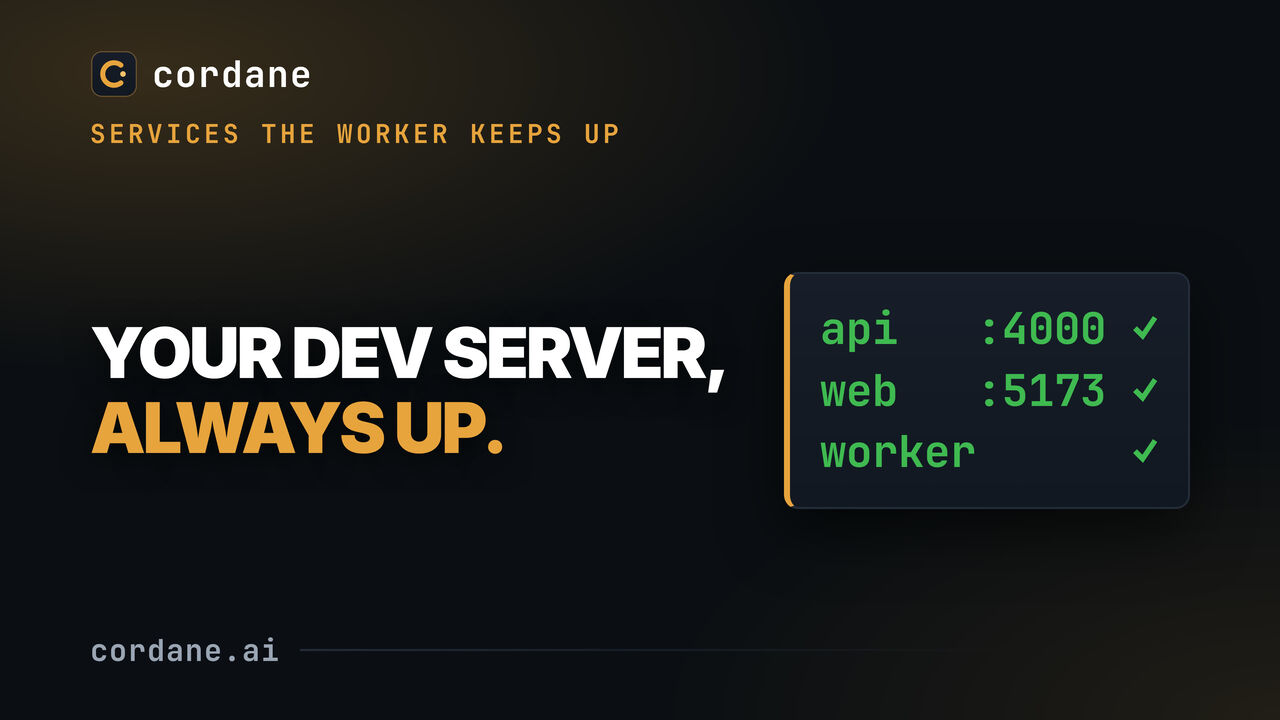
An app is a command your worker keeps up: it restarts if it dies and gets a stable URL. Cordane hands the process a port as PORT, so two apps can never collide over one.
Open on YouTube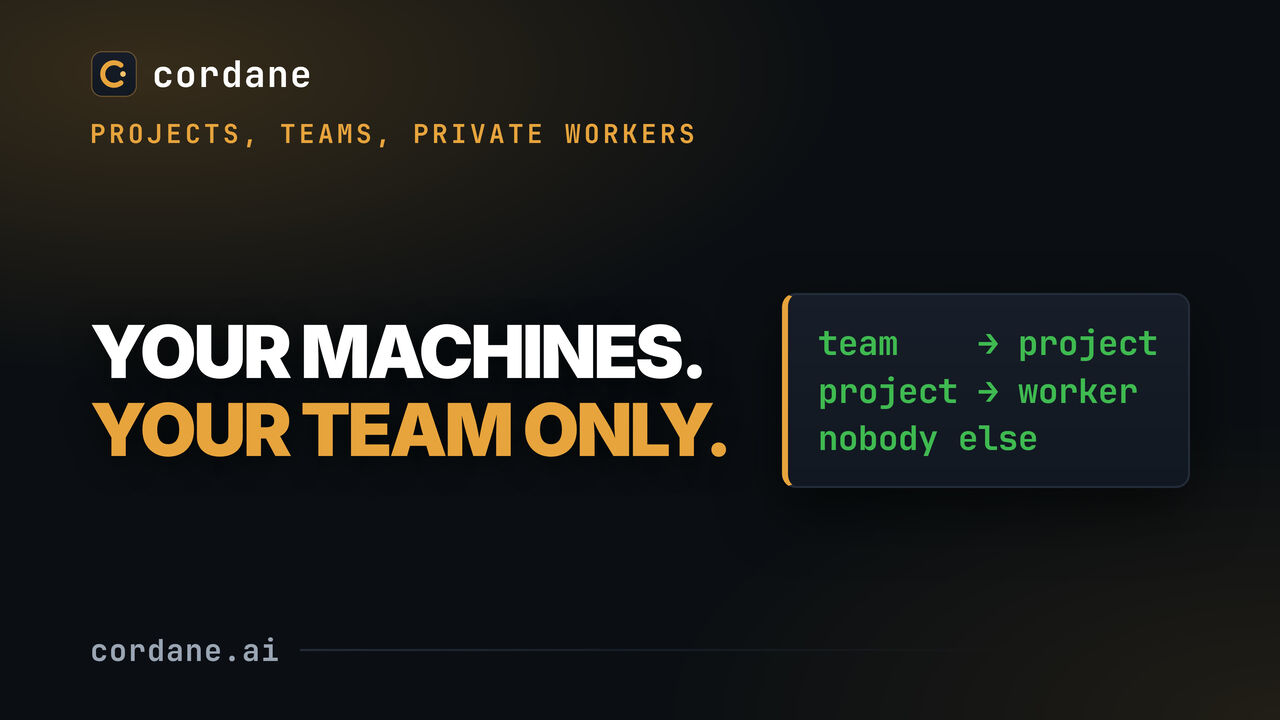
How a team reaches a project and a project reaches a worker — and where the line is that keeps your machines yours.
Open on YouTube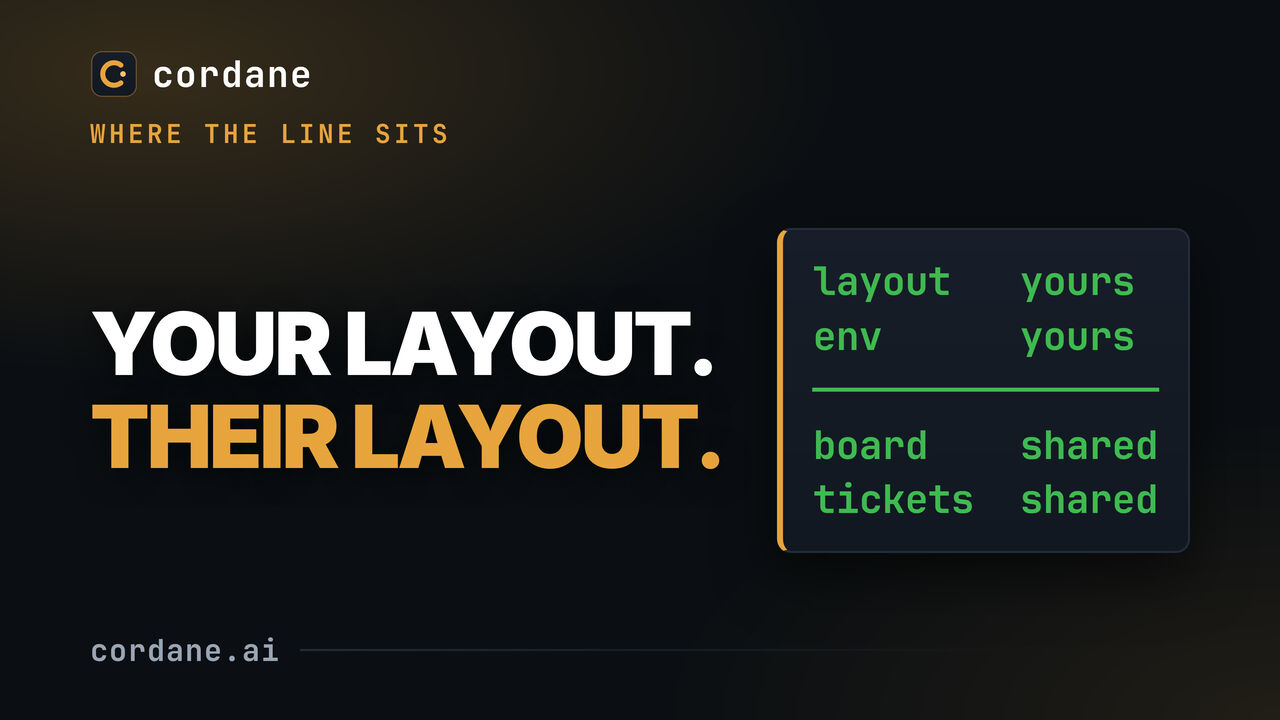
Layout and environment are per person; the board and the project are shared. This video is about exactly where that line falls.
Open on YouTube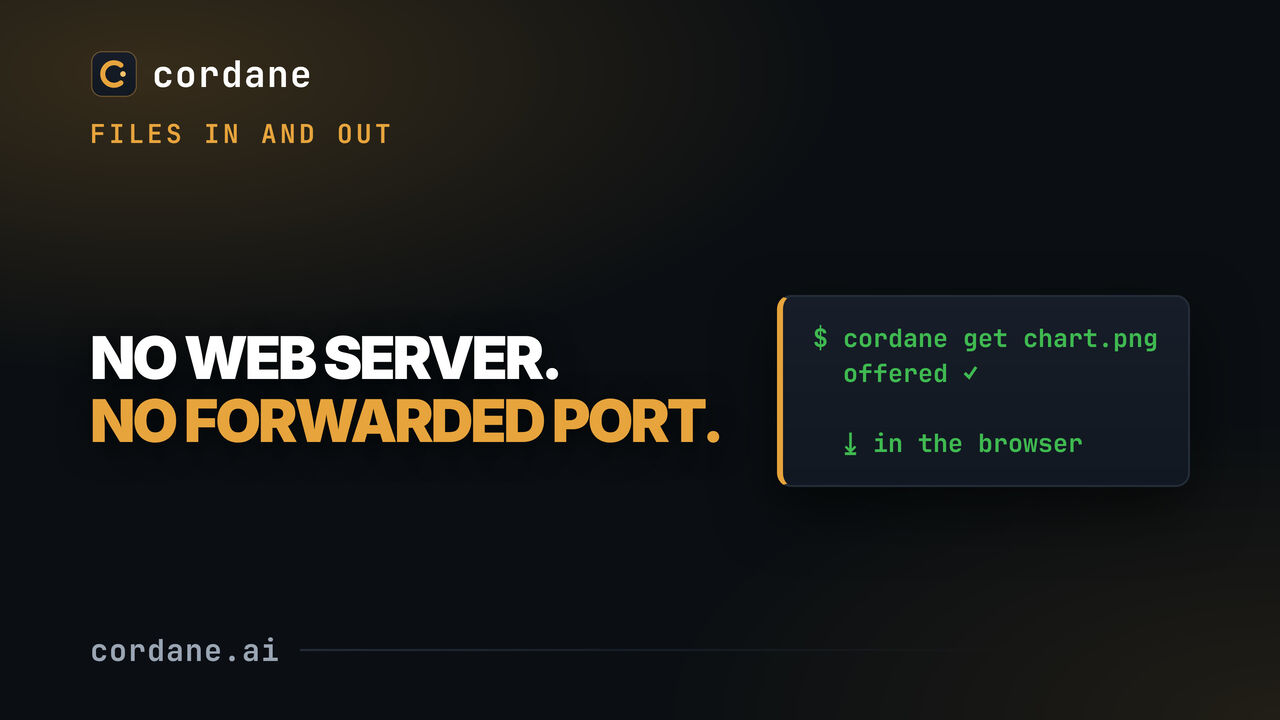
Until now bytes only went INTO a worker. Anything the machine produced — a screenshot, a generated report, a coverage chart — was stuck there behind an http.server on a forwarded port.
Open on YouTubeSelf-hosting is free — the quickstart is one docker compose up and one cordane worker join, no account with us. Or read how the connection works in the engineering post.
New videos land on @cordanehq first, and here shortly after.