Leave them running. Then hand them the tickets.
Herdr keeps your coding agents alive in a terminal on your laptop and reaches other machines over SSH. Cordane keeps them alive on the machines themselves — dialed out to a hub you self-host — and puts a kanban ticket in front of each one: worktree, branch, plan, review. From a browser, or a phone.
Herdr is a runtime; Cordane is a hub. The line is drawn below.Leave it running. Then leave.
The promise both tools make, on camera: a process on a machine you own, still counting through a closed tab and a hub restart. The ticket-driven part is on the agent kanban page.
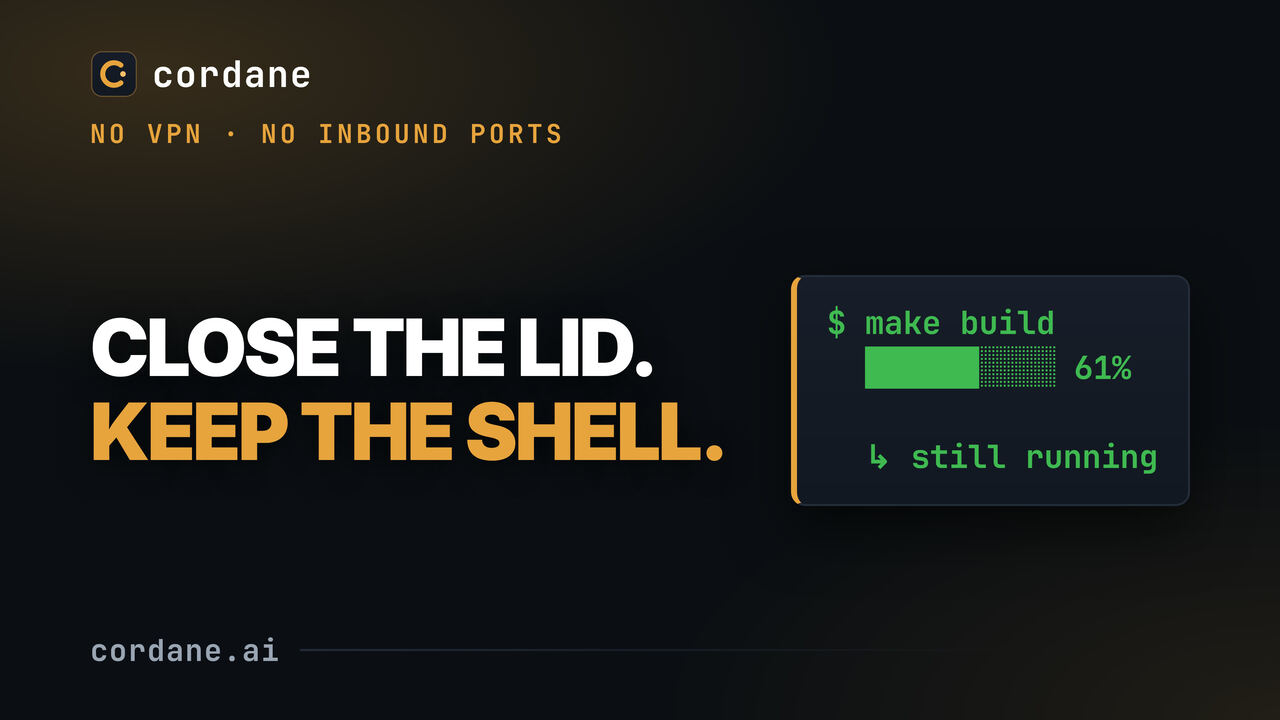
Both keep agents running. They differ in what drives them.
Herdr's line is "Run them anywhere. Leave them running." Cordane agrees with every word of it. The difference is what sits in front of the agent, and how you reach the machine it runs on.
A daemon under your terminal.
- A background server on the machine keeps panes, shells and agents alive when the client closes — inside the terminal emulator you already use.
- You start agents by hand in a pane; Herdr detects which one is working, blocked or idle, across 22 agent CLIs.
- Other machines join over your existing SSH access; a socket API lets agents split panes and start each other. Apache 2.0.
A board in front of the agent.
- A worker on each machine keeps terminals and agents alive and dials out to a hub you self-host — no SSH into the box, no inbound port, no VPN.
- A ticket starts the agent: worktree, branch, plan, implement, review, with the same working / blocked / idle / done states shown on the card.
- The UI is a browser tab — it works on a phone, a teammate can sit in the same terminal, and a dev server gets a shareable link.
- Free forever to self-host on the Community tier. The hub isn't open source; the deploy config is MIT.
Join a machine, drop a ticket, watch from anywhere.
No SSH config to keep in sync and nothing to open on the box. The worker is already dialed out; the board, the terminals and the agent's state all ride that one connection.
Join a worker
One command on a laptop, a VPS or the box under your desk. It connects outward to your hub, so a machine behind NAT or an office firewall joins the same as one in a datacenter — no port 22 reachable from anywhere.
Drop a ticket on the board
Start work and Cordane cuts a git worktree on a fresh branch, runs your setup hooks, and hands the ticket to the agent — Claude Code, Codex, opencode or pi — for a plan phase, then an implement phase. Or let the autonomous column pick tickets up itself.
Watch from anywhere
Every card shows its agent's state. Open the space to see the terminal live — from a browser, from a phone, or with a teammate typing in the same shell — then review the diff and how far behind main the branch is, in the same tab.
The same honest limit as Herdr. Sessions survive you disconnecting and the hub restarting. A worker reboot ends them — your layout and directories come back, the live processes don't. Herdr's docs say the same about a machine restart; neither tool is a substitute for a process supervisor.
Which Herdr jobs Cordane covers — and which it doesn't.
Herdr's site lists what it is for. Here is the same list with Cordane's answer next to each line, including the ones where the answer is no.
| The job | Cordane |
|---|---|
| Agents keep running after you close the laptop or lose the connection | Covered — the worker owns the processes; your browser is just a window onto them. |
| Seeing at a glance which agent is working, blocked, idle or done | Covered — the same four states, as badges on the ticket card and in the spaces list. |
| All your machines in one place | Covered — workers dial out to the hub; nothing to SSH into and nothing inbound to open. |
| Watching and typing from a phone, or sharing a live terminal with a teammate | Covered — it's a web app with a real phone layout, and spaces can be shared by name. |
| Giving the agent its work — a ticket, a worktree, a plan-then-implement flow, a review | Covered — this is the part Cordane exists for. Herdr leaves it to whatever you pair it with. |
| Running any of 22 agent CLIs | Partly — a Cordane terminal runs anything; the ticket-driven headless runs speak Claude Code, Codex, opencode and pi today. |
| Agents starting and prompting other agents through a runtime API | Not covered — there is no agent-facing socket API. Agents get their work from tickets, not from each other. |
| Living inside your existing terminal emulator, tmux-style | Not covered — Cordane's terminals live in the browser tab, on purpose. There is no attach from your own terminal. |
| Open source under Apache 2.0 | Not covered — the deploy configuration is MIT; the hub and worker are proprietary and free forever on the Community tier, which needs no license key and makes no license calls. |
What a ticket adds to a running agent.
A runtime answers "is it still going?". A hub also answers "going on what, in which branch, and is it done?" — for the whole team, not just the person whose laptop it is.
A worktree per ticket
Start work and the ticket gets its own git worktree on its own branch, its own ports and its own terminals — two tickets never step on each other, and a multi-repo project branches every repo at once.
Plan, implement, review
The agent plans before it codes, and what it hands back lands on the ticket: the diff, how far behind main the branch is, and any files it wrote for humans — a report, a screenshot — attached, not lost in scrollback.
Work that starts without you
Give a ticket a start time in your own timezone, or drop it in the autonomous column and let the board pick it up. The run happens on your worker while you're asleep, and the result is waiting on the card.
Before you pick one — or both.
Is Cordane a Herdr alternative?
Do my agents survive a reboot?
Do I need SSH access to my machines?
Which agent CLIs does Cordane run?
Is Cordane open source?
Can I use both?
Put a board in front of your agents.
Self-hosting is free and available now — start with the quickstart, no email required. Want us to run the hub? Managed cloud starts with a 14-day free trial from the pricing page; your workers stay on your machines.
Community tier: free forever, no license key, no account with us.