An agent-aware terminal, on the machine instead of on your Mac.
cmux is a native macOS terminal that knows which pane is an agent, rings when one needs you, and reaches other machines over SSH. Cordane puts that terminal in a browser tab — running on any machine you own, persisting on the worker rather than in a client, reachable from a phone, shareable with a teammate, with nothing to SSH into.
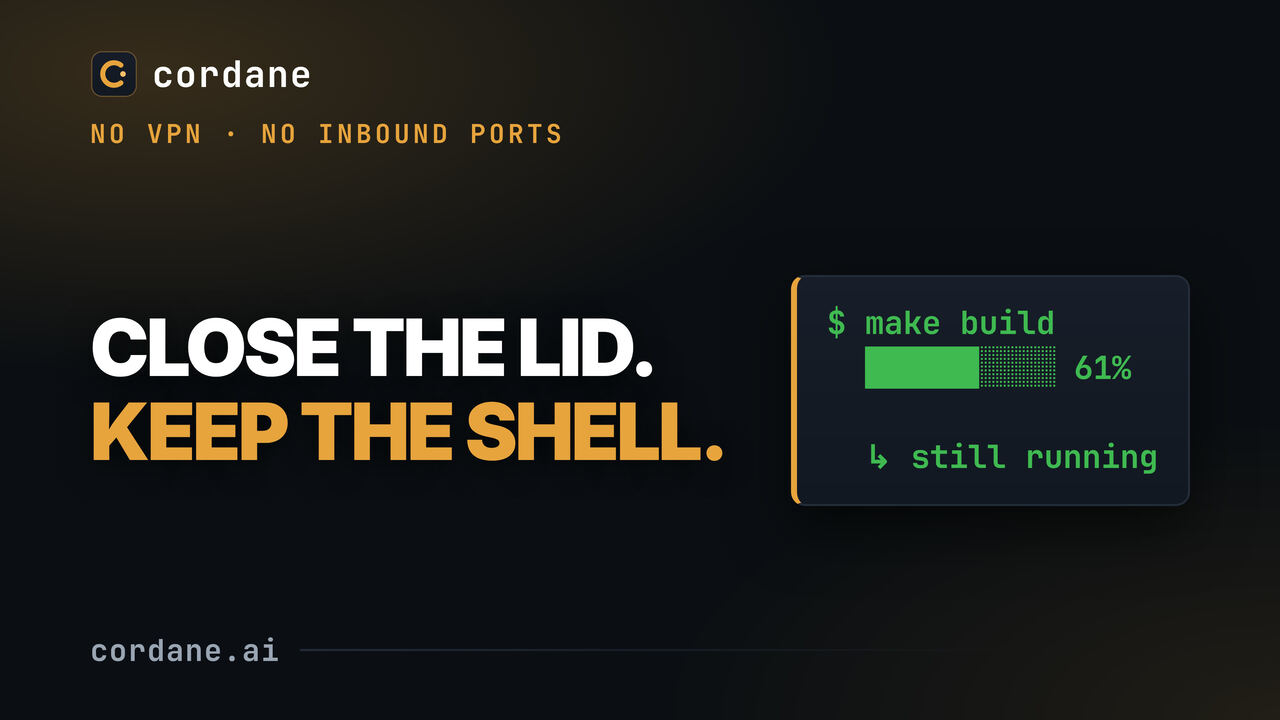
cmux is a terminal emulator; Cordane is a hub. Not the same thing, and this page says so.Close the lid. Keep the shell.
The persistence cmux gets from session restore, Cordane gets from the process never having left the machine: a build still counting through a closed tab and a hub restart, on camera, nothing cut.
Both treat an agent as a pane you can see. They differ in where the pane lives.
cmux calls itself "the terminal built for multitasking, organization, and programmability." It's a terminal emulator, and a good one. Cordane isn't one — its terminal is a browser component — and that trade is the whole comparison.
Ghostty's engine, agent-aware panes.
- A free, GPL-licensed macOS app built on libghostty: GPU rendering, vertical tabs, splits, and a sidebar that shows each pane's git branch, working directory and ports.
- When an agent spawns subagents they become native panes; notification rings, unread badges and desktop notifications tell you which one needs you. A browser can be split next to the terminal.
- Other machines over SSH, attaching to remote tmux; session restore brings back windows, panes, directories and scrollback; a CLI and socket API for scripting.
The pane runs on the worker.
- A worker on each machine owns the shells and agents and dials out to a hub you self-host — no SSH into the box, no inbound port, no VPN; the terminal is a browser tab, with a phone layout.
- Agent panes report working / blocked / idle / done — on the pane, on the ticket card, and on one Agents page across every machine — with your attention needed first.
- A space is a saved layout of terminals and directories; ports become links; a teammate can be invited into the same live shell by name; a ticket can cut a worktree and start the agent for you.
- Free forever to self-host on the Community tier. Not GPL: the deploy config is MIT; the hub and worker are proprietary, and a keyless Community hub makes no license calls.
Join a machine, open a space, come back to it from anywhere.
No SSH config, no tmux on the far end, nothing to attach to. The worker is already dialed out; the terminals, the layout and the agent's state all ride that one connection.
Join a worker
One command on the laptop, the VPS or the box under the desk. It connects outward to your hub, so a machine behind NAT or an office firewall joins the same as one in a datacenter — no port 22 reachable from anywhere.
Open a space
A space is a layout — shells, an editor, a dev server — with a working directory per pane, saved as a template so the next one opens the same. Start an agent in any pane, or let a ticket cut a worktree and start it for you.
Come back from anywhere
Close the tab, switch machines, open it on a phone: the same panes, the same scrollback, the agent still going. Each pane shows whether its agent is working or waiting on you; the ports menu turns a dev server into a link you can send.
Two kinds of persistence, stated plainly. cmux's session restore rebuilds windows, panes, directories and scrollback on your Mac; the processes are yours to restart. Cordane's sessions never left the worker, so they survive your disconnecting and the hub restarting — but a worker reboot ends them too, and the space comes back with its layout, not its live processes.
Which cmux jobs Cordane covers — and which it doesn't.
cmux's site lists what it is for. Here is the same list with Cordane's answer next to each line, including the ones where the answer is no — and there are several, because a hub is not a terminal emulator.
| The job | Cordane |
|---|---|
| Knowing which pane is an agent, and which one needs you right now | Covered — working / blocked / idle / done on the pane, the card and one Agents page, "waiting on you" first. |
| A layout of terminals that comes back the way you left it | Covered — spaces and templates: panes, directories and scrollback, plus the processes, which never stopped. |
| Terminals on a remote machine | Covered — differently: the worker dials out, so there is no SSH access to set up and no tmux on the far end to attach to. |
| Seeing which ports each pane has open, and getting at them | Covered — the ports menu, and each one becomes a link: local, hub, team-only or public. |
| The same terminal from a phone, or with a teammate typing in it | Covered — a real phone layout, and shared spaces by name. cmux is one Mac, one person. |
| Subagents becoming panes of their own automatically | Partly — a ticket lays out its own panes and Cordane starts the agent in one; an agent spawning children doesn't grow the layout. |
| GPU-accelerated native rendering, Ghostty-class latency | Not covered — Cordane's terminal is xterm.js in a browser tab, over a network. It's fine; it isn't a native emulator. |
| A browser split inside the terminal, with a scriptable API | Not covered — previews open as ordinary tabs on their own subdomain; there is no embedded browser pane. |
| A CLI and socket API for driving panes from scripts | Not covered — the hub has an HTTP API and the worker a CLI, but panes aren't scriptable from your shell the way cmux's are. |
| Free and open source under the GPL | Not covered — free forever on the Community tier, deploy config MIT; the hub and worker images are proprietary. |
What a hub adds to a terminal.
A terminal emulator, however good, is on one machine and knows about one person. Three things follow from the pane living on a worker that a hub knows about.
No SSH to the box
The worker connects outward once. A laptop on hotel Wi-Fi, a desktop behind CGNAT, a box in an office that won't open a port — they all join the same way, and nothing on them listens.
A board in front of the panes
A ticket cuts a git worktree on a branch, runs your setup hook, starts the agent and shows its state on the card. Schedule it, or let the autonomous column pick it up while you're asleep.
More than one person
Invite a teammate into a live space by name; both of you type in the same shell. Turn a dev server into a link for someone who has nothing installed. Teams and projects are on the free tier.
Before you pick one — or both.
Is Cordane a terminal emulator?
Do my sessions survive?
Do I need SSH access to my machines?
Which agents show state?
Is Cordane open source?
Can I use both?
Put the pane on the machine, not on the Mac.
Self-hosting is free and available now — start with the quickstart, no email required. Want us to run the hub? Managed cloud starts with a 14-day free trial from the pricing page; your workers stay on your machines.
Community tier: free forever, no license key, no account with us.