Share the work, not a random URL.
Live preview links for dev servers on machines you own. Public or team-only. No tunnels, no rotating hostnames — and included on every tier, the free one too.
For sharing previews, not webhooks.Four doors onto one port. No ngrok.
Any port on any space gets a stable hub link, and optionally a share link that needs no account. Nothing is opened on the machine — it all rides the worker’s one outbound connection. Including the part where a ticket preview stays team-only.
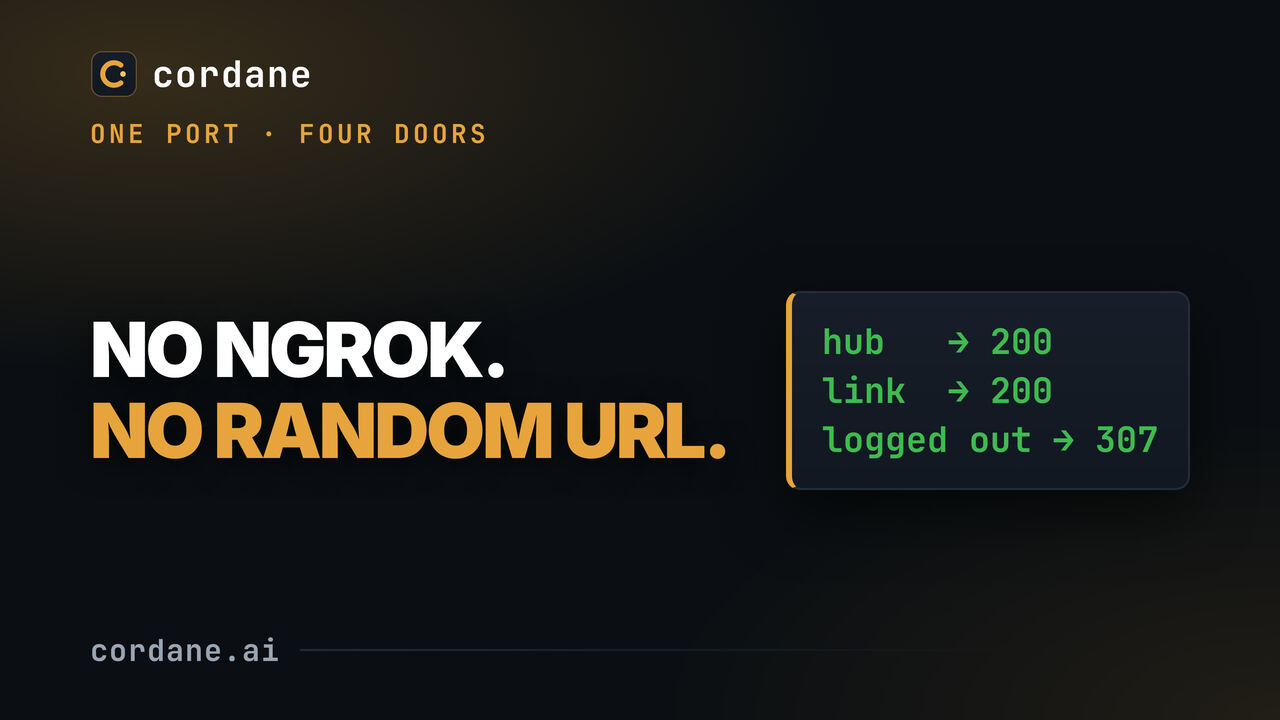
A stable share link shouldn't cost you a subscription.
Tunnels are great for a five-minute demo. The moment you want a link that lasts — for a client, a staging preview, a teammate on another network — the friction and the pricing show up.
Ephemeral by design.
- A fresh random hostname on every restart — the link you sent a client dies when your process does.
- Session limits and per-seat paywalls gate the stable URL and the second person who wants one.
- Your preview lives on someone else's domain, not a URL you control.
Durable by design.
- A stable subdomain tied to a defined app — it survives restarts, so the link keeps working.
- No session limits, and on every tier — it rides the worker's one outbound connection, and whoever opens a public link needs no account or seat.
- It's your machine and your domain — public with one toggle, or team-only by default.
- Opens on any device, including a phone on cellular — no login, no app to install, same durable URL.
Define an app, get a subdomain, choose who sees it.
No inbound ports, no tunnel daemon to babysit. The worker is already dialed out to the hub — the preview rides the same connection.
Define an app
Point an app at a port on a worker — the dev server an agent booted, or a long-running staging build. Cordane gives it a stable subdomain: {app}--{worker}.your-domain.
Choose public or team-only
It's team-only by default, behind Cordane's auth. Flip Public — anyone with the URL (no login) when you want a client or an outside teammate to just open it.
Send the link — it opens on a phone too
Paste it anywhere and it just opens — on a laptop, or a phone on cellular with Wi-Fi off and no login for a public app. The reverse proxy serves it over the worker's single outbound connection — WebSockets and all — so nothing inbound is ever opened on the machine.
Public sharing is an app feature. Ticket and agent previews stay team-only: your whole team sees the agent's work live at its preview URL — make it an app when you want to share it publicly.
Which ngrok jobs Cordane covers — and which it doesn't.
People reach for ngrok to do a handful of different things. Cordane does the durable-preview ones well and deliberately doesn't do the others. Here's the line, drawn plainly.
| The job | Cordane |
|---|---|
| A stable URL for a dev server that survives restarts | Covered — a per-app subdomain, not a fresh random host each run. |
| A truly public link, no login, for a client demo | Covered — per-app "Public — anyone with the URL (no login)" toggle, or a no-account share link on any forwarded port. |
| A team-only preview behind auth by default | Covered — it's team-only until you deliberately make it public. |
| A persistent staging preview with no session limits or paywall | Covered — rides the worker's one outbound connection; no metered minutes. |
| Sharing without opening an inbound port on the machine | Covered — the worker dials out; nothing ever connects to it. |
| Webhooks and inbound callbacks (a stable endpoint for a provider) | Not covered — this is for showing previews, not receiving inbound calls. |
| Ad-hoc one-command tunnels from any arbitrary machine | Partly — any port on any space gets a hub link and an optional no-account share link, but the machine has to run a Cordane worker; there's no one-command tunnel from a box that doesn't. |
| Link passwords or automatic expiry on a share | Not covered — no per-link password or expiry setting today; an app stays public until you toggle it off, and a port's share link works until you revoke it. |
Private by default, public only when you say so.
A share link on infrastructure you own should default to closed, and an admin should be able to slam it shut. Both are true here.
Auth on by default
Every app preview is authenticated and team-scoped out of the box. A link goes public only when someone deliberately flips the toggle — never by accident.
Admins can force-private
Admins get a list of every public app and can force any of them back to private. Nothing stays open without an owner who can see it and shut it.
Suspend kills the tunnels
Suspend a user and their previews drop with them — access follows account state, so a former teammate can't keep a link alive.
Before you swap a tunnel for this.
Is this a self-hosted ngrok?
What URL do I get, and does it change when I restart?
Can I make a link truly public, with no login?
Can I share a ticket or agent preview publicly?
Does it handle webhooks or inbound callbacks?
Are there session limits, or do people need a paid seat to open a link?
Share a preview from a box you own.
Self-hosting is free and available now — start with the quickstart, no email required. Want us to run the hub? Managed cloud starts with a 14-day free trial from the pricing page; your workers stay on your machines.
Community tier: free forever, no license key, no account with us.